
Made by a teacher, for the classroom
Everything for your class, on your own network
LANcelot runs on the PC in your classroom. Students scan the QR code on the board and play along on their Chromebook, tablet or phone. No student accounts, no limit on students or questions.
Coming soon · Windows PC · Students join in the browser
All-in-one
Quizzes, polls, games, worksheets and classroom tools in one app.
Local
Play runs over the school network. Fast, even with 30 devices at once.
Private
Names and results stay on the PC in your classroom.
See LANcelot in action
The video is hosted on YouTube. Your browser only connects to YouTube once you press play.
How it works
Start LANcelot
Double-click on the classroom PC. The teacher screen opens on the board.
Students scan
They scan the QR code or type the address. Enter a name and done.
Play and learn
You pick the quiz and the game. The class plays along, you follow everything live.
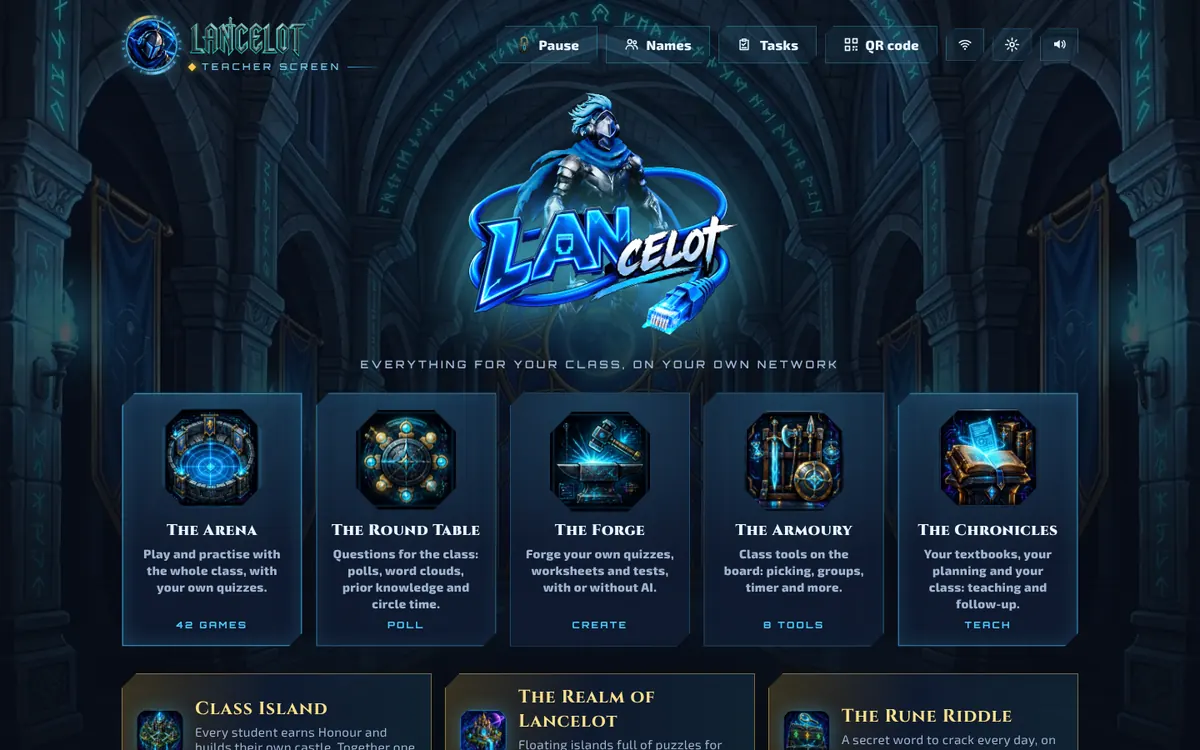
Five halls, one way of working
Every part has an icon and one sentence of explanation. Know one hall and you know them all.
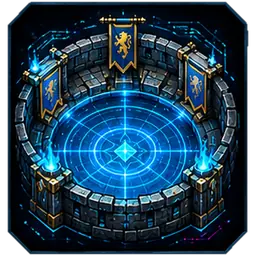
The Arena
Practise through play with your own quizzes: quick quizzes, duels, team games and adventures.
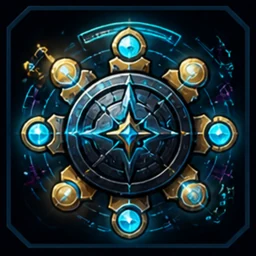
The Round Table
Ask the whole class: polls, statements, word clouds, open questions and circle time.
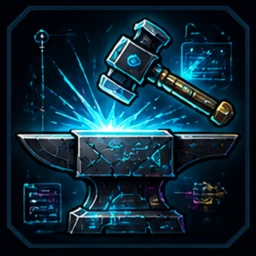
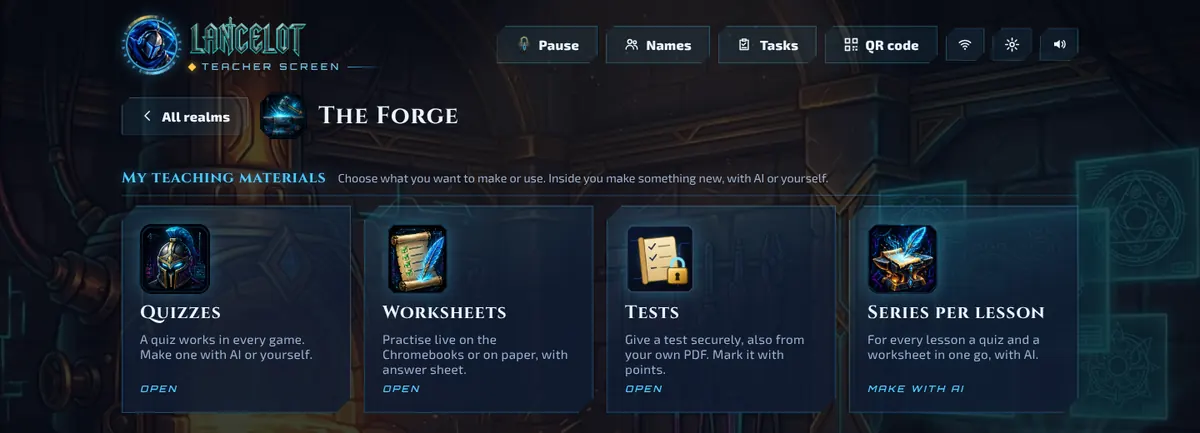
The Forge
Make quizzes, worksheets and tests, with AI or by hand. Play them live or print them with an answer key.
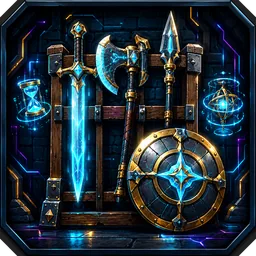
The Armoury
Classroom tools on the board: picker, groups, timer, noise meter, dice and class jobs.
The Chronicles
Your textbooks, planning and class: teach, follow up and report.
40+ games for your own lessons
Every game plays with every quiz. Right answers give fuel, ammo, energy or a power. Answer well and you get further.
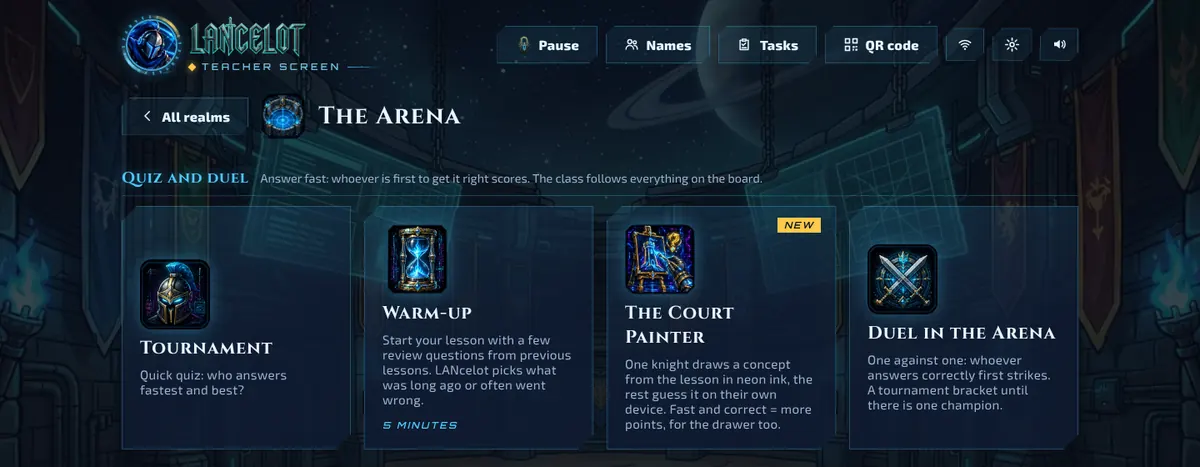
Quiz and duel
 TournamentQuick quiz: who answers fastest and best?
 Warm-upStart your lesson with a few review questions from previous lessons. LANcelot picks what was long ago or often went wrong.
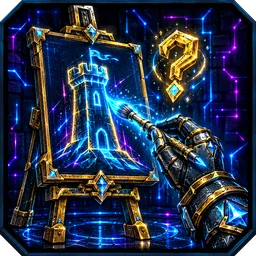 The Court PainterOne knight draws a concept from the lesson in neon ink, the rest guess it on their own device. Fast and correct = more points, for the drawer too.
 Duel in the ArenaOne against one: whoever answers correctly first strikes. A tournament bracket until there is one champion.
Play together
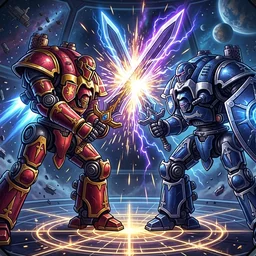 Titan ClashEach team steers a giant titan. Every student is one part: sword, shield, core, cannon or legs. Correct answers charge your part. All parts correct together = Titan Strike!
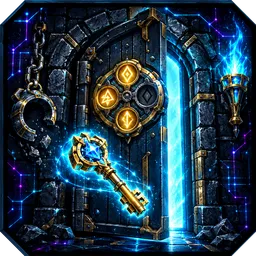 Escape the DungeonThe whole class is locked up. Together forge keys, crack rune codes and defeat the Dungeon Master: door after door to the outside.
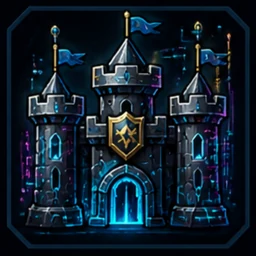 Castle BuildersBuild one castle together: every correct answer is a stone. Will it hold when the dragon attacks?
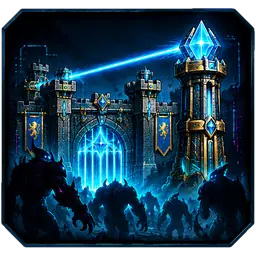 GatekeeperDefend the castle gate together. Correct answers give gold for your own tower. At the end the dragon comes.
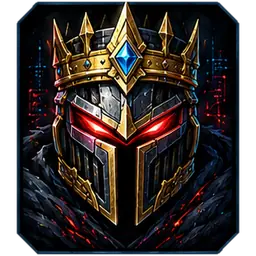 Teacher BossYou are the end boss: a giant knight on the board. The class attacks with correct answers, you strike back.
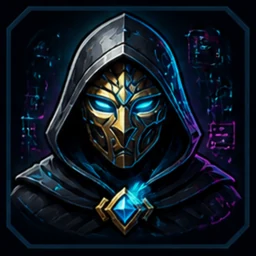 The TraitorRestore the core together, but who is the traitor? Vote at the Round Table.
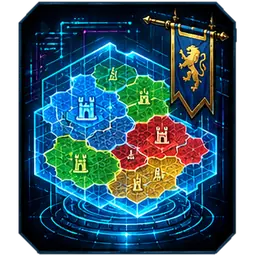 The RealmConquer territories in teams, lesson after lesson. Old material comes back to defend your land.
Race and adventure
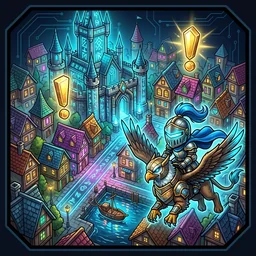 Neon-CamelotA big open knight city: the whole class races around at once in hoverkarts that drift and jump. Chase thieves, race, put out fires. Every mission starts with a question.
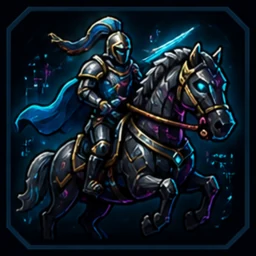 Knight RaceRace on hover steeds in 3D. Correct answers fill your tank and give turbo.
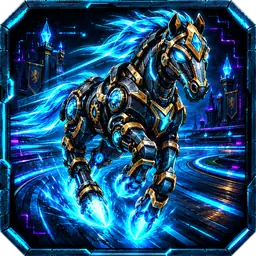 Robo HorsesBuild your own robot horse and race around the castle lake, with ramps, nitro and secret paths. Rune chests give a question: correct = a weapon.
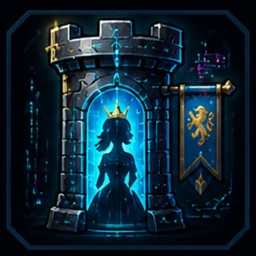 The Princess in the TowerJump to the top and rescue the princess. Correct answers give energy.
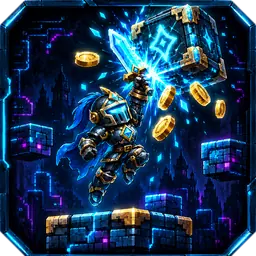 Pixel KnightRun and jump with your own knight through retro pixel worlds. Rune blocks give a question: correct = power-up. Who reaches the most rune gates?
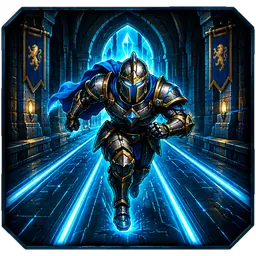 Neon FlightRun, jump and slide through the neon castle. At a question gate you run through the correct answer for turbo and a higher ×.
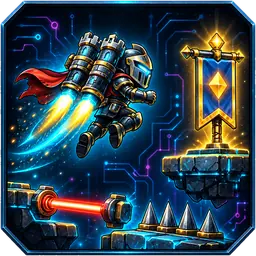 Rocket KnightFly your rocket knight from flag to flag over lava, spikes and lasers. Every flag is a question: correct = turbo. Who is fastest?
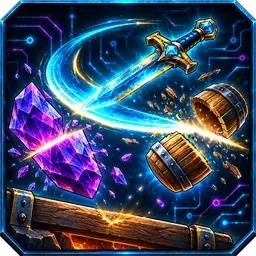 SplitswordTap and your glowing sword does a somersault. Split crystals, barrels and robots and stick into wood. Every rune post is a question: correct = golden blade.
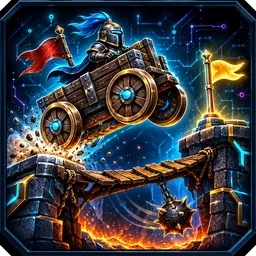 Wobble WagonDrive your knight cart over ramps, wobbly bridges and seesaws. Every flag a question and a different cart: ice wheels, square wheels...
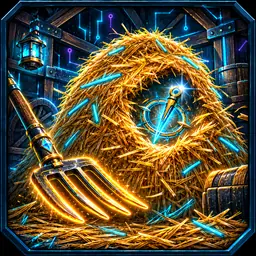 Haystack HuntDig through your neon haystack until you find the crystal needle. Correct answer = better tool and the compass points the way.
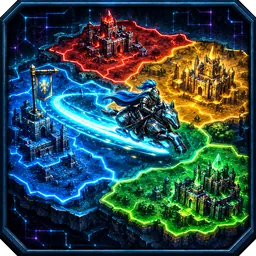 Banner FieldRide a light trail with your floating steed and close a loop: all the land inside becomes your colour. Out of energy = question, correct = turbo.
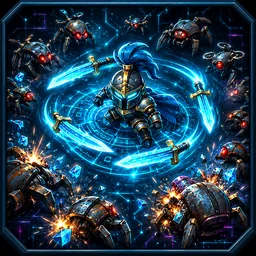 Swarm GuardKeep your knight in one piece against swarms of rust robots. Your weapons fire by themselves. Bar full = a question: correct = choose your own upgrade.
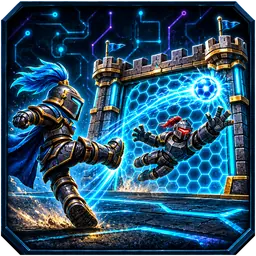 Plasma GatePenalty shoot-out against 8 robot knights: aim your plasma ball and dive as goalkeeper. Every kick a question: correct = golden ball and big shield.
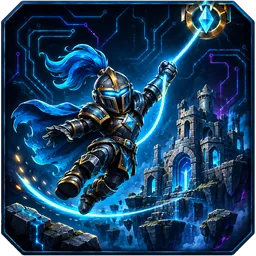 Hook KnightSwing with your plasma hook from crystal anchor to crystal anchor: hold = grab, release = fly. Every flag a question: correct = golden hook.
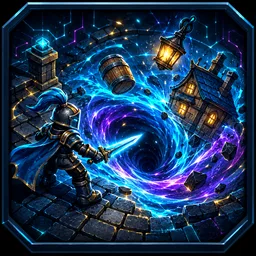 Vortex KnightSteer your plasma vortex through the knight city and swallow everything smaller: coins, carts, houses, towers. The more you swallow, the bigger you get. Every correct question = grow + suction power.
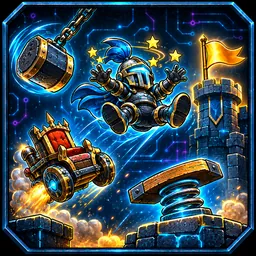 Tumble KnightStunt course with a knight on a weird riding machine: springboards, hammers, lasers and cannons. Every flag a question: correct = turbo.
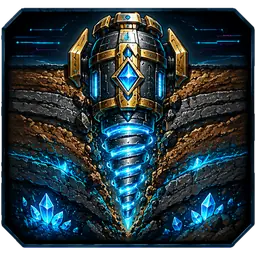 Deep DrillDrill as deep as you can for gold, crystal and neon cores. Correct answers give fuel, the forge makes your drill stronger.
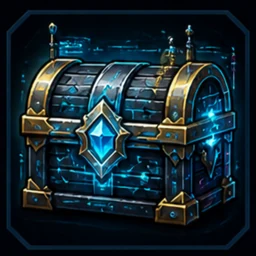 Treasure HuntCollect gold with correct answers and buy clever upgrades.
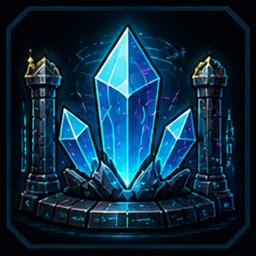 Crystal HeistMine crystals with correct answers and crack someone else's vault with the secret word.
Battle in the arena
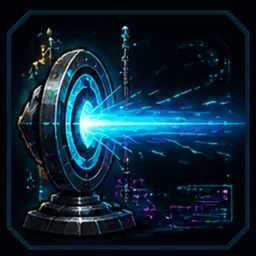 Laser BattleLaser battle red against blue. You earn ammo with correct answers. Every student chooses their own view: from above, behind the knight or first person.
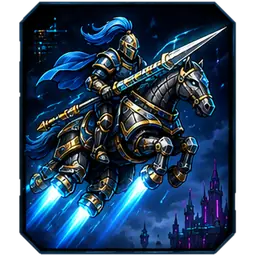 War SteedsHover steeds in a battle arena. You only get lasers, rockets and mines with correct answers.
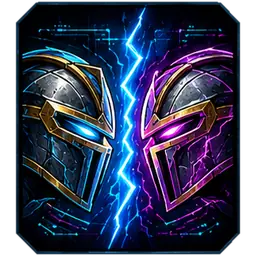 Neon DuelFighting game with the whole class: two teams, two knights on the board. Correct = strike, fast = combo, three in a row = super move.
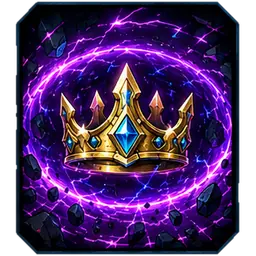 Knight RoyaleEveryone in one arena and the neon storm shrinks. You earn ammo with correct answers. The last knight wins.
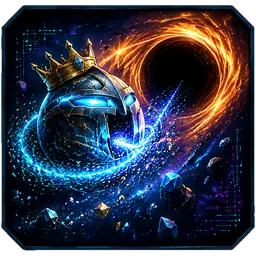 Star EaterEat stardust and smaller knights, avoid the black hole. Correct answers give mass, turbo and supernova.
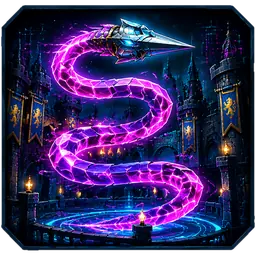 Knight SnakeA neon lance snake that grows with correct answers. Cut others off and eat their light.
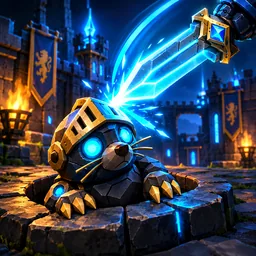 Robo MoleRobot moles shoot out of the castle wells: whack them with your sword. Correct answers charge your sword and give the Fire Sword.
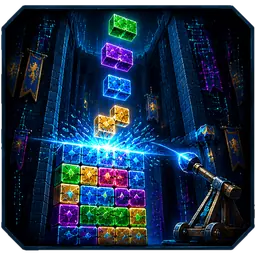 Castle StormFalling neon blocks: fill rows and bombard your classmates' castles. Correct answers give a rune shield and double attacks.
Lesson material in seconds, with AI
Give a topic and the grade, or drop in a photo of your textbook. The AI makes a quiz, a worksheet or a full set per lesson, on three levels.
- Works with Gemini, ChatGPT or Claude: LANcelot copies the prompt, you paste the answer back.
- Or enter your own key and everything happens in one click.
- Play worksheets live in class or print them with an answer key.
- Only creating with AI needs the internet. Play runs over the classroom network.
Every student at their own level
Per subject you choose a level for each student. Quizzes, worksheets and tasks adapt.
Page
Extra support and easier questions
Squire
The regular content
Knight
A challenge for those who can go further
Follow-up, support and reports
Every answer goes into the log, linked to the curriculum goals. You see straight away who needs extra help, and your report almost fills itself.
Support overview
Students who need the most attention are at the top. See which goals the whole class should revisit, who needs small-group instruction and which mistakes keep coming back.
Tasks per student
Assign a quiz or worksheet to one student or a small group, each at their own level. You can prepare it at home too.
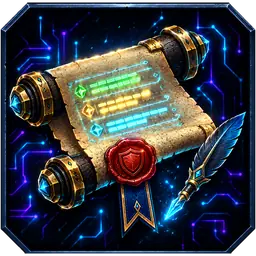
The Seal Roll: your report
Tests flow into it per subject automatically. You add symbols, comments and your school logo.
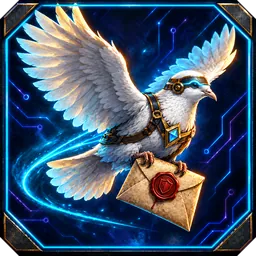
The Carrier Pigeon: a letter home
A letter per student with the marked test, what already works, what to practise and news from the class.
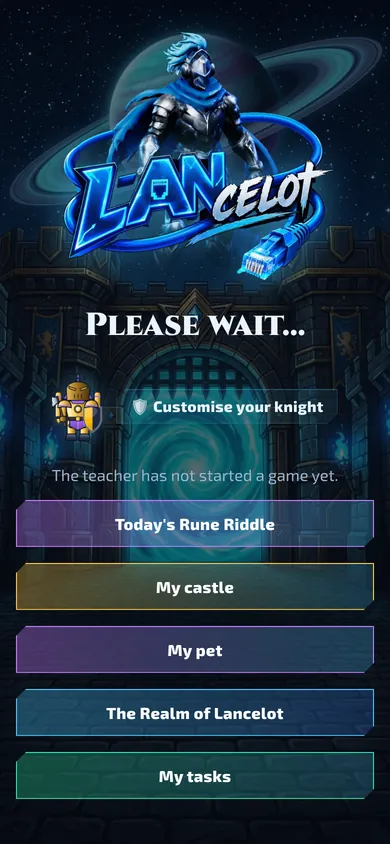
Why students look forward to it every day
Their own knight
Helmet, armour, weapon and shield of their choice. The knight plays along in every game.
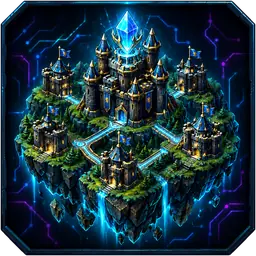
Class Island
With Honour for effort and growth, every student builds their own castle. No leaderboard.
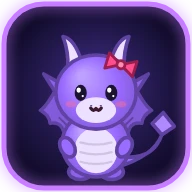
My pet
An egg that hatches and grows along. There is no punishment.
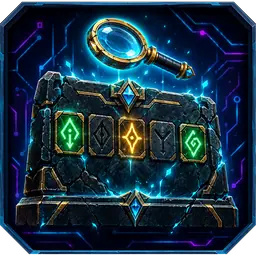
The Rune Riddle
A secret word to crack every day, on three levels.
Student data stays in your classroom
- LANcelot runs on your own PC. No cloud and no student accounts.
- Names, answers and results live in a folder on that PC. You decide what happens to them.
- No ads and no tracking.
- If you use AI, only your prompt (topic or lesson material) goes to the AI you choose. No student names.
Works on what your class already has
- Whiteboard or screenThe teacher screen and the game
- Chromebooks and laptopsSimply in the browser
- Tablets and phonesScan the QR code and play
In five languages
Dutch, English, French, Spanish and German. Pick the language in the settings and every screen switches, students' screens too.
Bring LANcelot to your classroom
LANcelot will soon be available for teachers and schools.
Coming soon
All you need is a Windows PC in the classroom. Students join in their browser.
Questions or interested? Email hello@lancelot.network
Frequently asked questions
When can I use LANcelot?
LANcelot will be available soon. This website will be the first place to tell you when.
Do I need the internet?
Play runs over the school's local network: the PC and the students' devices must be on the same network. Only creating lesson material with AI needs the internet.
Do students need an account?
No. They type their name and play. LANcelot remembers their knight and results on the classroom PC.
How many students can play?
There is no limit. A whole class of thirty plays smoothly, on Chromebooks, tablets and phones mixed.
What do I need?
A Windows PC (usually the one connected to the board), the school network and devices with a browser for the students.
Can I use my own lesson content?
Of course. Write quizzes yourself, let the AI make them from your own textbook or PDF, and sort everything into folders per subject and lesson.